

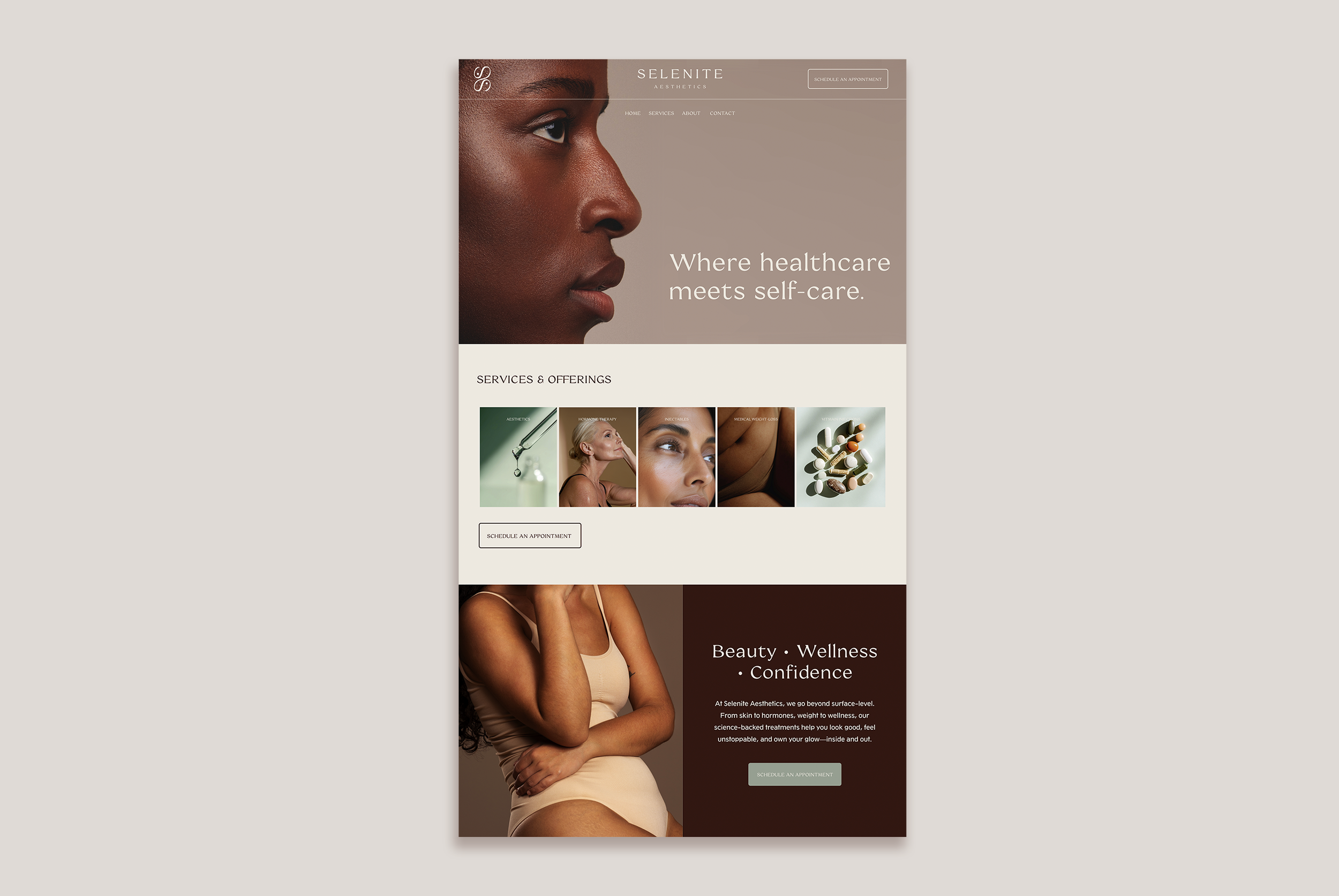
 Image 1 of 1

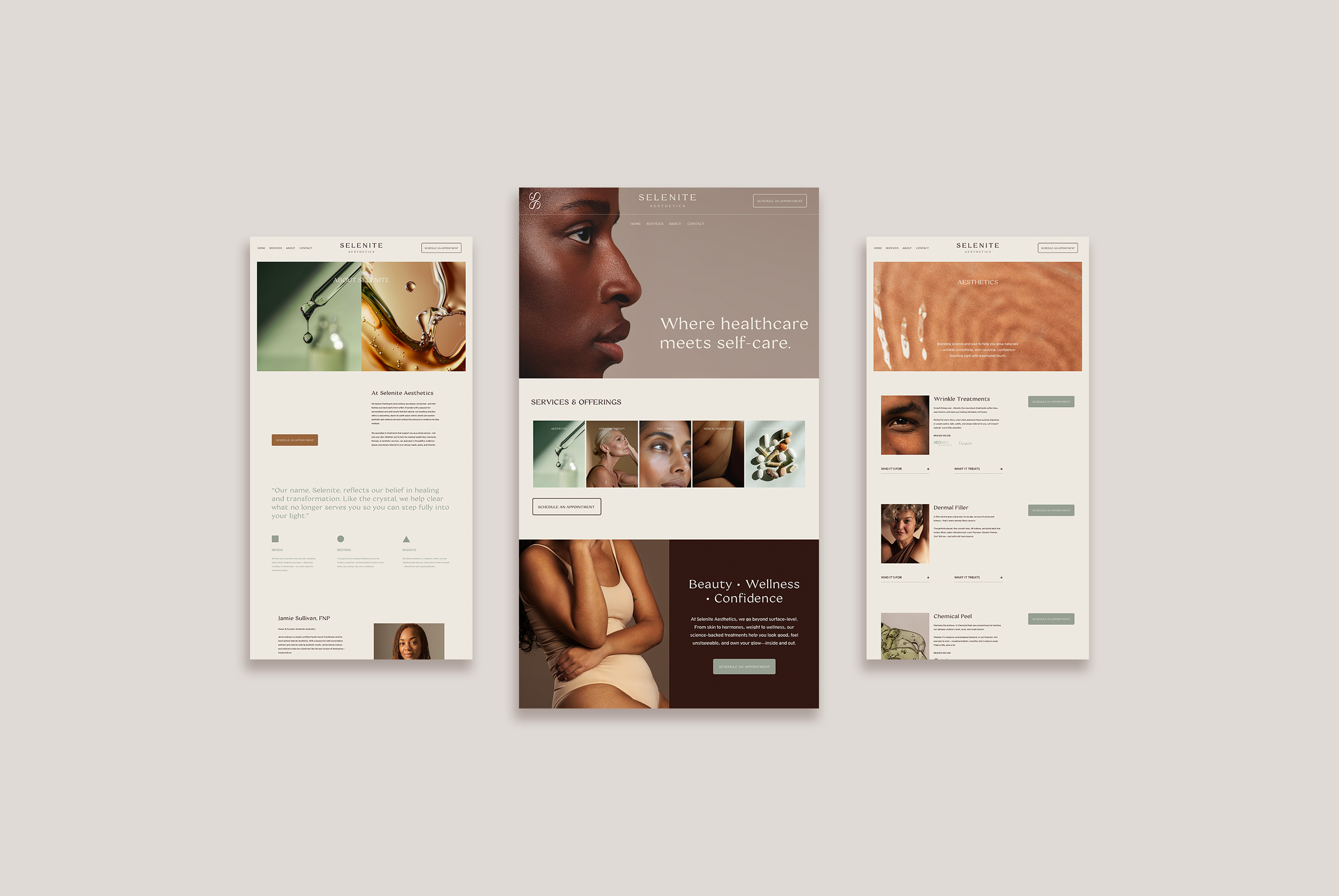
-
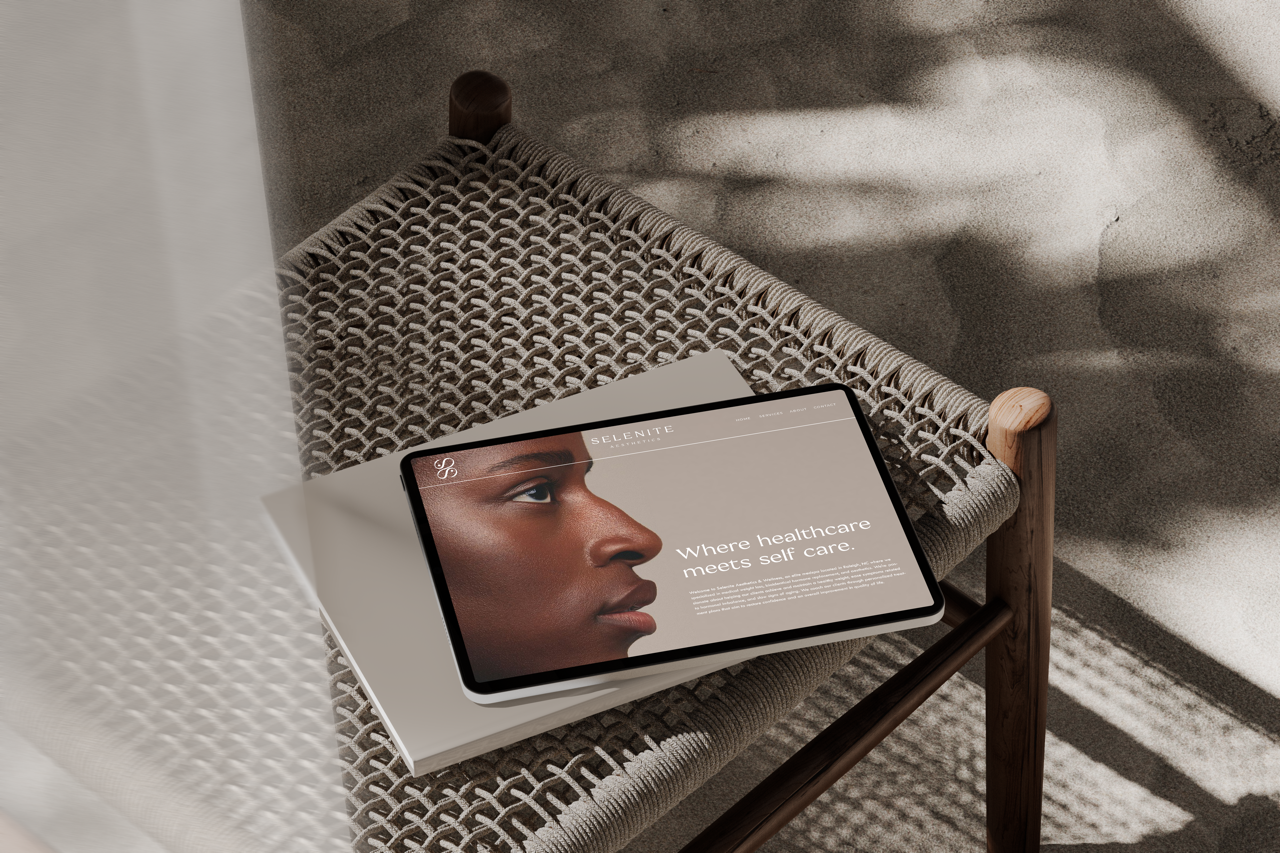
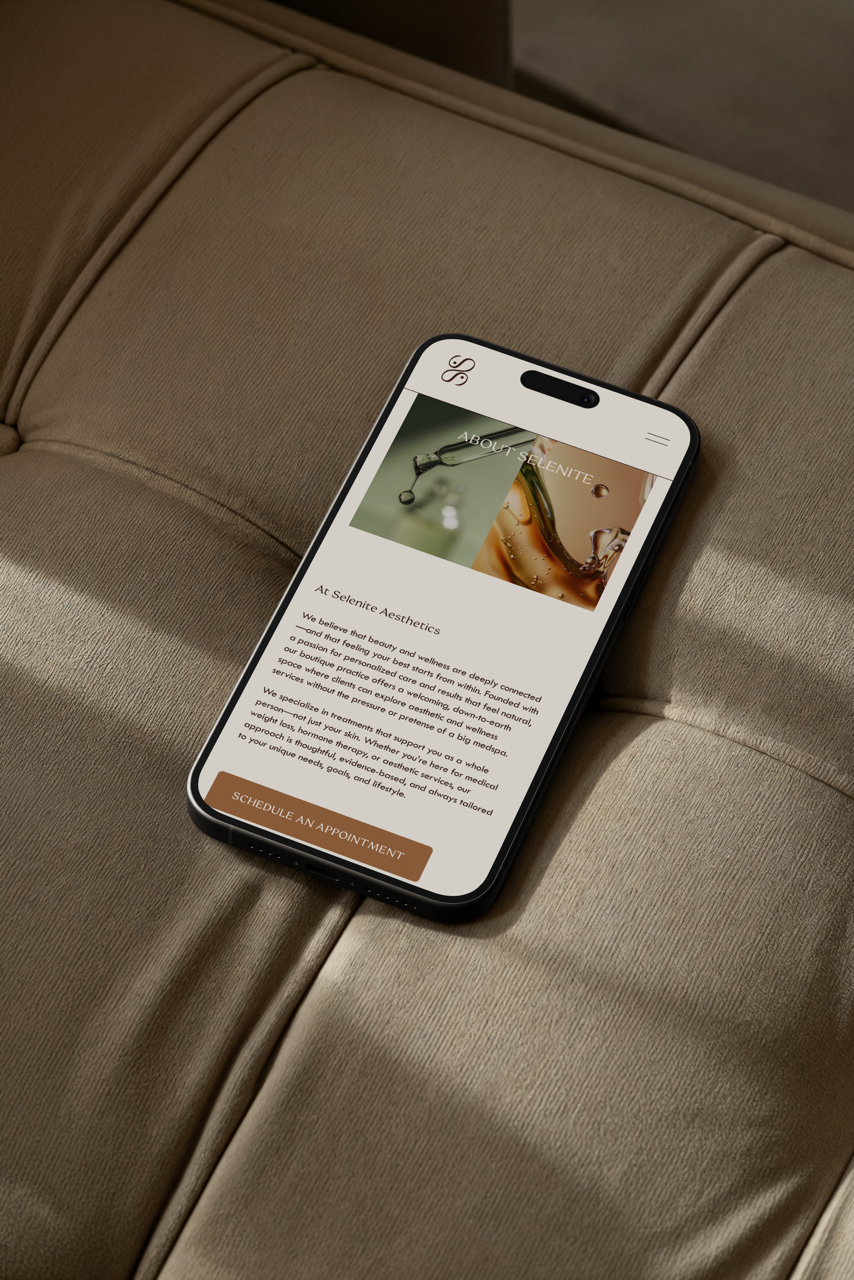
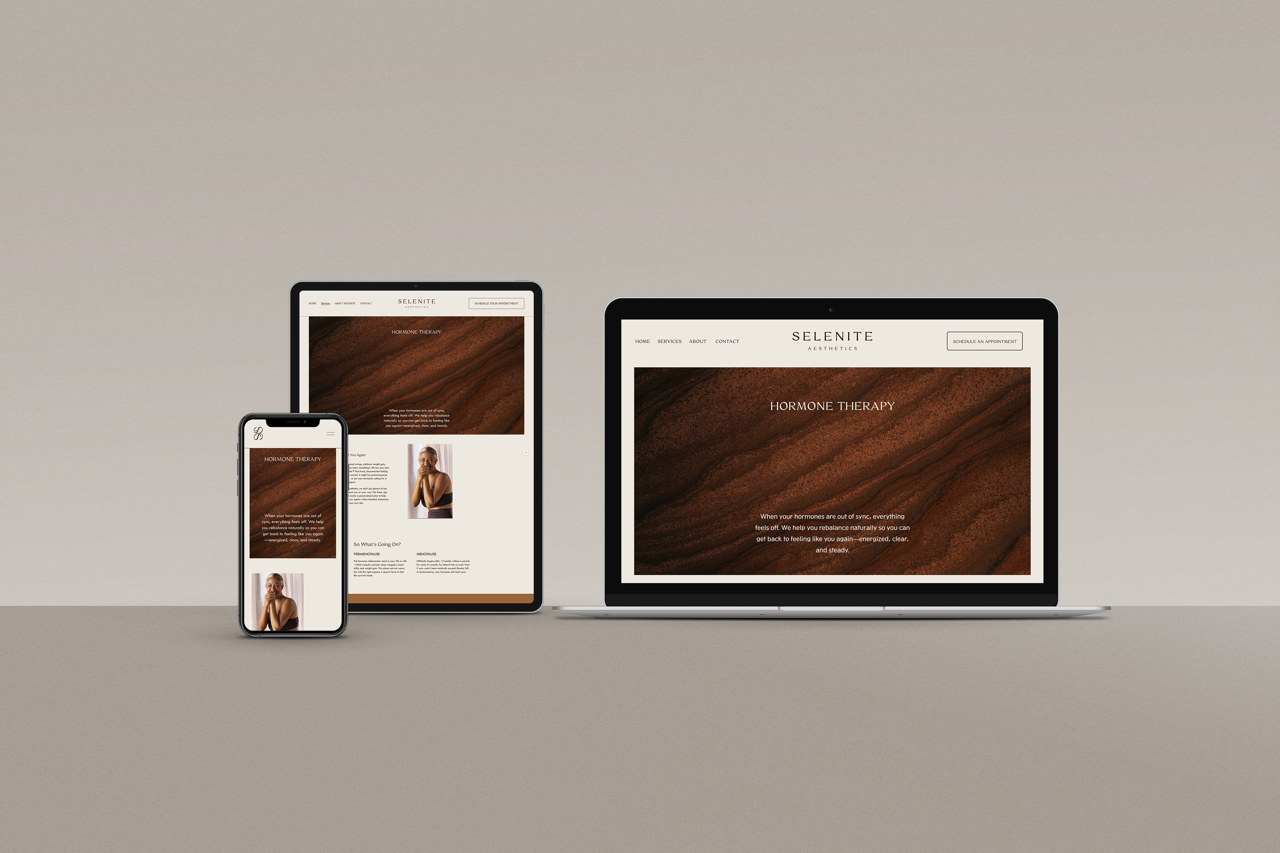
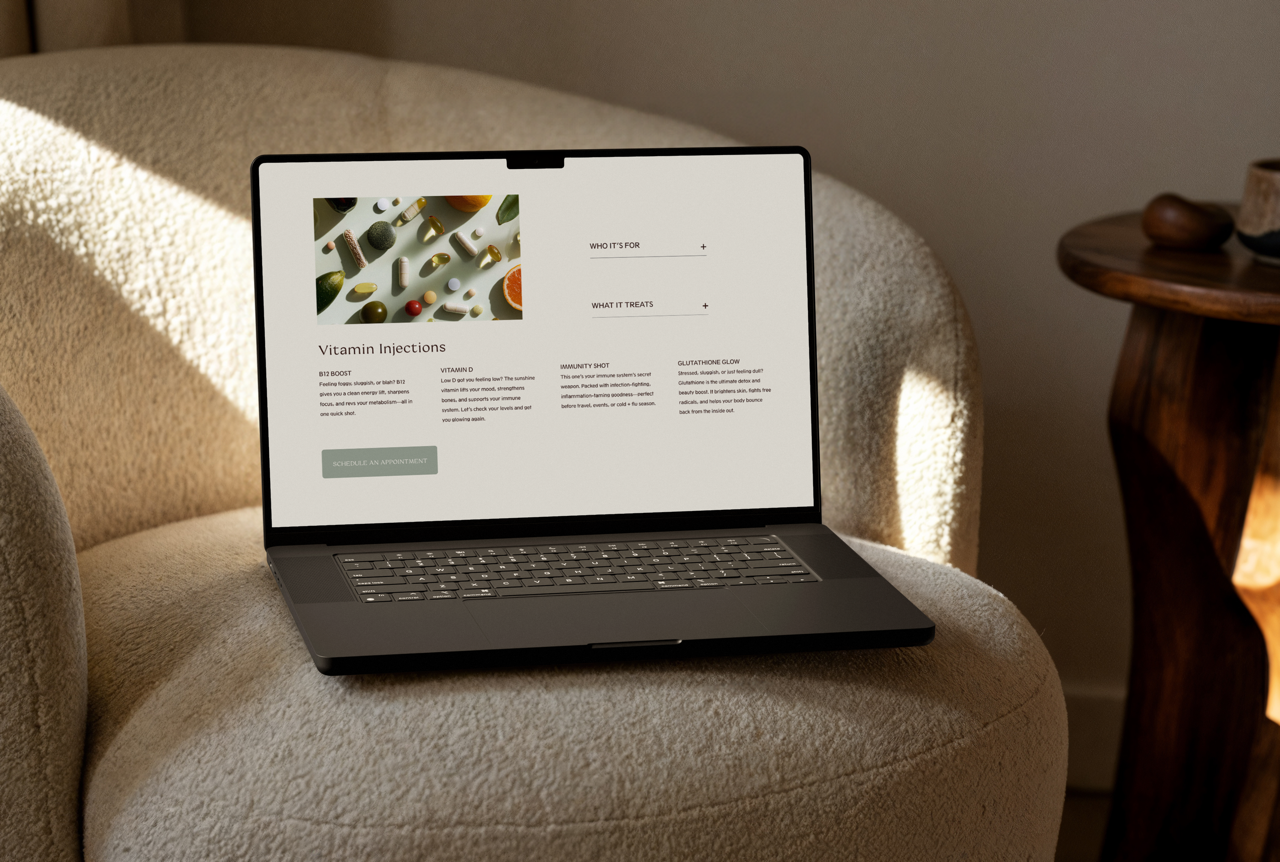
A fully responsive, fully customizable Squarespace website template—built to look just as good on mobile as it does on desktop.
Included pages:
Home • About • Services • Shop • Blog • Contact • FAQs • Legal • Coming Soon • 404 ErrorInstallation + setup support:
A step-by-step PDF guide that walks you through customizing everything (fonts, colors, layout, and content) so you can launch with confidence. -
Your Squarespace subscription (you’ll purchase that directly through Squarespace).
Done-for-you customization + uploads — meaning template customization, content population, and SEO aren’t included with the template purchase.
Want us to handle it? Our Squarespace Template Customisation Support Service is available to take it from “template” to “tailored.”Domain connection + launch support (connecting your domain and pushing your site live).
-
This is a pre-designed Squarespace template delivered directly to your Squarespace account—ready for you to make it yours.
Checkout: Enter the email linked to your Squarespace account.
Immediate delivery: You’ll receive a link to our step-by-step PDF guide so you can start customizing right away.
Within 24 hours: We’ll send a Squarespace Contributor invitation—accept it to get access to your template.
Transfer + setup: We’ll finalize the handoff and confirm everything is connected and working properly.
Customize + launch: Update your colors, fonts, images, and copy—then publish when you’re ready.

FAQs
-
You’ll get instant access to a step-by-step PDF that shows you exactly how to customize your new template.
We’ll reach out to confirm the email connected to your Squarespace account (you can also drop it in at checkout if there’s a spot).
You’ll receive a Squarespace Contributor invite to your new template within 24 hours.
Once you’re in, you can update colors, fonts, images, and copy—then hit publish when you’re ready.
-
Because this is a digital product delivered immediately, all sales are final and we don’t offer refunds.
Before you purchase: read the full product details, and if you’re stuck between options, reach out—we’ll help you choose the right fit before you commit.
-
Not at this time. Once a template is purchased, we can’t swap it for a different design.
If you change your mind later, we can offer 20% off your next template purchase.
-
You’ll need:
A Squarespace account
A Squarespace subscription (Business or Commerce plan) once you’re ready to activate and launch your site
-
Your purchase includes a non-exclusive, non-transferable, single-seat license.
1 purchase = 1 website.
Want to use the template again for another site? You’ll need an additional license. -
Yes—absolutely.
Just note: each purchase can only be used for one client project (1 purchase = 1 website). If you’re building multiple client sites, look into the unlimited license option (if offered).
-
100%. You can edit colors, fonts, photos, copy, and layouts.
If you want us to customize it for you (so it looks “done done”), contact us first and we’ll send a quote.
-
Yes. Reach out to tell us what you want changed. We’ll reply with next steps + pricing.
CONTACT US HERE -
Possibly—but it depends on your current setup.
If you want the template installed into an existing Squarespace 7.1 site, contact us and we’ll let you know what’s doable and quote the work.
-
Yes—any placeholder images included with the template are yours to use.
If the template uses images from Unsplash: they’re free to use (including commercially) under the Unsplash License (attribution isn’t required, but it’s a nice move when possible).
-
We can help with template-related issues, especially when your setup is still fairly close to the original structure.
Reach us via the contact form (or email, if you list one on your site). mediumms.com
We typically respond within 24 hours.
Need deeper support (CSS, plugins, heavier customization, SEO guidance, etc.)? That’s extended support and would be handled as an add-on or customization package.
-
Squarespace doesn’t really do “one-click reinstall” for templates once changes are made, so we can’t magically roll everything back.
What you can do (and what we recommend):
Duplicate pages before big edits (so you’ve got a safe backup version).
Check your Trash—deleted pages usually sit there for up to 30 days.
Know that once a section/block is deleted and saved, it may not be recoverable the way you expect.
If you really want help cleaning things up, contact us—we can take a look and tell you the most efficient fix.